

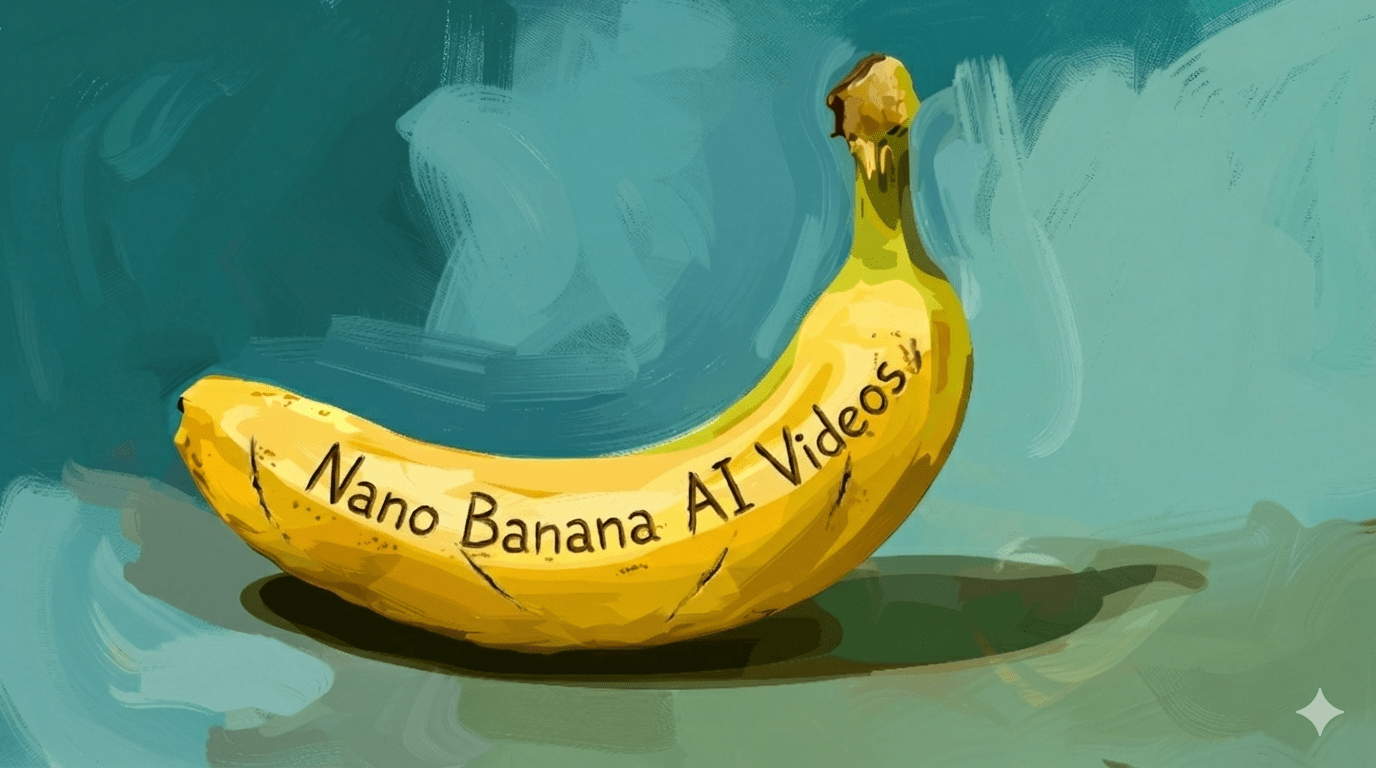
Sora AI Text-to-Video: Video is one of the most expensive marketing assets to produce. Or at least, it used to be.
Between scripting, shooting, editing, revisions, and reshoots, traditional video production burns time and budget fast. That’s exactly why more teams are moving toward Sora-powered text-to-video workflows, especially now that Sora 2 is integrated directly into Invideo.
With the right tactics, Sora AI text-to-video doesn’t just speed things up, it dramatically cuts production costs while increasing output.
In this article, you’ll learn 8 practical Sora AI text-to-video tactics marketers, founders, and content teams use to reduce video costs without sacrificing quality.
Why Sora AI Text-to-Video Changes the Cost Equation
Traditional video costs money because it relies on people, gear, and time.
Sora AI flips that model.
Inside Invideo, Sora 2 can:
- Generate scripts automatically
- Build storyboards from text prompts
- Create visuals and scenes using AI
- Edit full videos end to end
No studios.
No crews.
No watermarks.
No short video limits.
If you want to understand how this works in practice, the sora ai video generator page breaks down how Sora-powered video creation works natively inside Invideo, from idea to finished video.
Now let’s look at the exact tactics that help teams cut costs fast.
1. Replace Filming With Prompt-Based Visuals
One of the biggest cost drivers in video is filming.
Cameras, lighting, locations, and talent add up quickly.
With Sora AI text-to-video, you can:
- Describe scenes in text
- Generate visuals automatically
- Adjust environments without reshoots
Instead of paying for production days, you pay once and iterate endlessly with prompts.
Cost impact: Eliminates filming costs entirely for many use cases like ads, explainers, and social videos.
2. Use AI-Generated Scripts Instead of Copywriters for Drafts
Scripting is another hidden expense.
While strong messaging still matters, not every video needs a fully custom script written from scratch.
Using Sora inside Invideo, teams can:
- Generate first-draft scripts automatically
- Create multiple variations instantly
- Refine only the best-performing angles
This shifts copywriters from writing everything to editing and optimizing, which is faster and cheaper.
Cost impact: Cuts scripting time by 60–80% for routine video content.
3. Turn One Idea Into Multiple Videos (Without Extra Cost)
In traditional production, every new video means new work.
With Sora AI text-to-video, one idea can become:
- A 60-second explainer
- A 30-second ad
- Three short social clips
All from the same base prompt.
Inside Invideo, you can quickly change:
- Length
- Format
- Tone
- Visual style
Without starting over.
Cost impact: Reduces cost per video dramatically by increasing output from the same input.
4. Eliminate Re-Edits and Reshoots
Revisions kill budgets.
A small change in messaging often means:
- Re-editing timelines
- Re-exporting assets
- Sometimes reshooting
With Sora AI text-to-video:
- You update the prompt
- Regenerate the scene
- Publish again
No sunk costs.
This makes stakeholders happier too, because changes don’t feel expensive anymore.
Cost impact: Cuts revision-related costs almost entirely.
5. Replace Stock Footage Licensing With AI Visuals
Stock footage looks cheap, and often isn’t cheap.
High-quality stock clips, especially niche ones, add recurring costs. Sora-generated visuals remove that dependency.
Marketers can:
- Generate context-specific visuals
- Match brand tone more closely
- Avoid generic-looking footage
Inside Invideo, Sora-generated visuals blend seamlessly with editing tools, so the final video still looks polished.
Cost impact: Reduces or eliminates ongoing stock footage expenses.
6. Empower Non-Editors to Create Videos
Another major cost isn’t software, it’s specialization.
When only editors can create videos, bottlenecks form. With Sora AI text-to-video inside Invideo, non-editors can create production-ready videos.
That means:
- Marketing managers can ship videos directly
- Social teams don’t wait on editing queues
- Fewer internal handoffs
AI handles structure, pacing, and visuals.
Cost impact: Reduces reliance on specialized editing resources.
7. Use AI for Always-On Content Instead of Agencies
Agencies make sense for big campaigns. They don’t scale for daily content.
Sora AI text-to-video is perfect for:
- Weekly social videos
- Ongoing ad testing
- Product updates
- Educational content
Instead of outsourcing everything, teams can keep production in-house with AI handling execution.
Cost impact: Cuts recurring agency spend for routine video production.
8. Produce Videos Anywhere With Mobile AI Creation
Not all video work happens at a desk.
For fast-moving teams, being able to create videos on the go saves both time and money. Using a dedicated video maker app, teams can:
- Generate videos directly from a phone
- Create social content instantly
- Publish without desktop workflows
This is especially useful for social-first marketers who prioritize speed over perfection.
Cost impact: Reduces delays and overhead tied to desktop-only workflows.
Best AI Video Tools for Cost-Conscious Teams
Not all AI video tools help reduce costs equally. Here’s how the landscape looks.
1. Invideo (Best Overall for Cutting Video Costs)
Invideo leads because it combines:
- Sora AI text-to-video
- Full editing capabilities
- Long-form and short-form support
- No watermarks or artificial limits
With Sora 2 integrated, Invideo replaces multiple tools:
- Scriptwriting software
- Stock footage libraries
- Video editors
- Production workflows
That consolidation alone cuts costs significantly.
2. Runway (Best for Creative Effects)
Runway is powerful for advanced AI effects and experimentation.
However, it’s less optimized for:
- High-volume marketing content
- Cost efficiency at scale
Better for creative teams than budget-focused marketers.
3. Descript (Best for Voice-Driven Content)
Descript works well for:
- Podcasts
- Talking-head videos
- Educational content
It’s useful, but doesn’t offer autonomous visual generation like Sora-powered workflows.
4. Lumen5 (Best for Simple Text-to-Video)
Lumen5 converts text into basic videos quickly.
Good for:
- Brand-safe updates
- Simple marketing videos
Limited when it comes to flexibility and cost savings at scale.
Why Invideo + Sora AI Is the Most Cost-Efficient Setup
Most tools optimize one part of video creation.
Invideo, with Sora AI text-to-video, optimizes the entire pipeline:
- Ideation
- Scripting
- Visual generation
- Editing
- Publishing
That end-to-end automation is where real cost savings come from.
Instead of paying for production repeatedly, teams invest once and scale output continuously.
How to Start Reducing Video Costs With Sora AI
Start small:
- Pick one recurring video format
- Replace manual production with Sora text-to-video
- Measure cost per video before and after
Most teams see savings within the first few weeks.
Final Thoughts
Video production doesn’t need to be expensive to be effective.
Sora AI text-to-video, when integrated directly into Invideo, turns video from a cost center into a scalable system. Fewer tools. Fewer people. Faster output.
If cutting video production costs is a priority this year, this isn’t a future trend. It’s a tactical advantage you can use right now.
Leave a Reply